
What is reference management software?
Reference management software helps you to
- import references from different databases into one place;
- keep track of your references;
- create citations and a reference list in your Word document;
- adapt the format of references according to your chosen reference system or the requirements of specific journals;
- create publication lists.
Examples of reference management software
Common software for managing references are Zotero, EndNote, Mendeley and Refworks. Some software is free to use and some require a licence. If you are an employee, the University provides access to EndNote.
You can get help in Zotero
The library provides support to university employees for Zotero. You can read more about Zotero on the library’s website, where you will also find instructions, manuals and a download link.
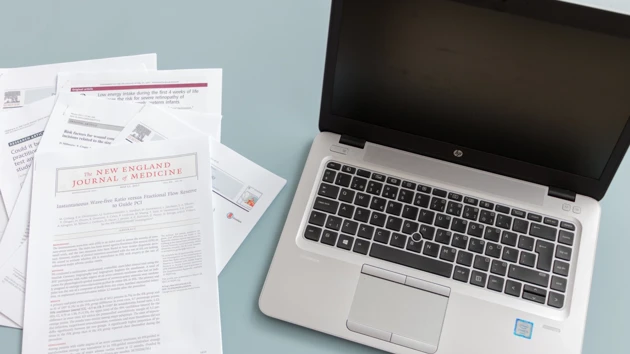
Software for writing references
Find instructions, manuals and a download link for Zotero on the library’s website.

Contact the library
The library answers questions about references and provides you with support for Zotero.


